
AutoPartsChecker: https://autopartschecker.com/bulletins/ssm-47380/
Ford, Lincoln service bulletin SSM 47380: SYNC Screen Goes Blue or Black
Technical service bulletin SSM 47380 applies to the Ford C-max, Ford Ecosport, Ford Edge and 19 more. The problem: SYNC Screen Goes Blue or Black.
A service bulletin (TSB) tells dealers how to diagnose and fix a known issue. Unlike a recall, the repair is usually only free under warranty or a warranty extension. If your vehicle has the symptom, mention bulletin SSM 47380 to your dealer or mechanic.
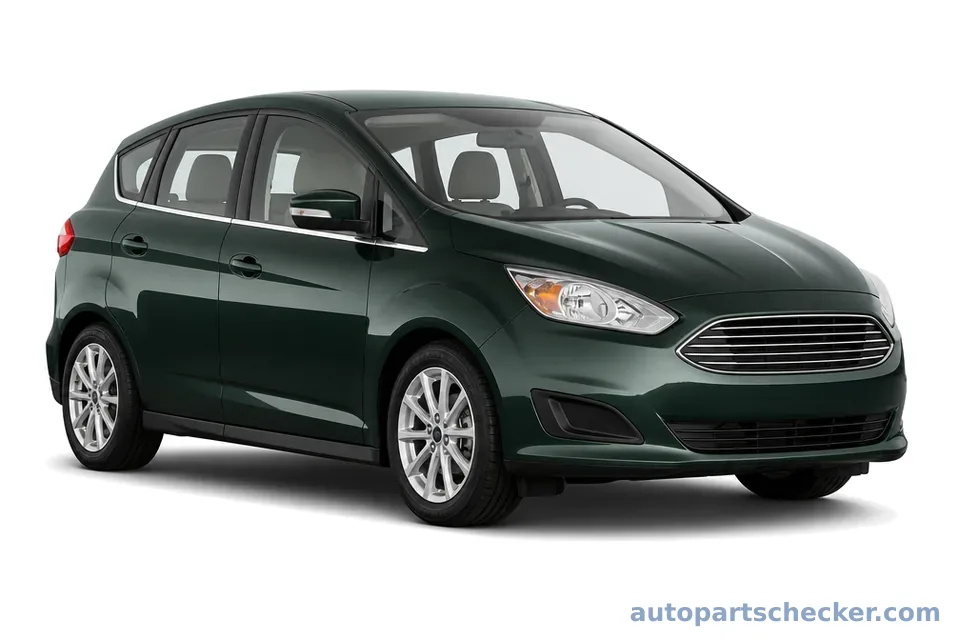
Service bulletin SSM 47380: Electrical system, Equipment and accessories, Equipment adaptive/mobility
Issued Jun 2018. NHTSA ID 10143103
Some 2016-2018 Ford and Lincoln vehicles with SYNC 3 may exhibit an intermittent blue or black screen. Check for SYNC software update under the OASIS Tab SYNC selection. If update is available refer to WSM, Section 415-00 and update APIM software. After Installation Complete pop-up appears, remove USB flash drive and install into IDS tool to update Ford database. Perform a complete ignition cycle by turning the key off for 5 minutes which is critical for a successful installation. If no updates are available or a blue or black screen is present after an update refer to WSM, Section 415-00 for diagnosis or SYNC 3 intermittent blank screen GSB for tips. For claiming, use causal part 14G371 and applicable labor operations in section 10 of the SLTS manual.
Applies to
- Ford C-max: 2016, 2017, 2018
- Ford Ecosport: 2018
- Ford Edge: 2016, 2017, 2018
- Ford Escape: 2016, 2017, 2018
- Ford Expedition: 2016, 2017
- Ford Explorer: 2017, 2018
- Ford F-150: 2016, 2017, 2018
- Ford Fiesta: 2016, 2017, 2018
- Ford Flex: 2017, 2018
- Ford Focus: 2016, 2017, 2018
- Ford Fusion: 2017, 2018
- Ford Mustang: 2016, 2017, 2018
- Ford Taurus: 2016, 2017, 2018
- Ford Transit: 2016, 2017, 2018
- Ford Transit Connect: 2016, 2017
- Lincoln Continental: 2017, 2018
- Lincoln MKC: 2016, 2017, 2018
- Lincoln MKX: 2016, 2017, 2018
- Lincoln MKZ: 2016, 2017, 2018
- Lincoln Navigator: 2016, 2017
- Lincoln MKS: 2016
- Lincoln MKT: 2016, 2017, 2018
Source: manufacturer communications filed with NHTSA. Summaries as published by NHTSA. To see the full bulletin, ask a dealer or your mechanic for bulletin SSM 47380.
Updated: Recalls and bulletins updated daily. Complaints through October 29, 2026. Find your vehicle to request alerts