
AutoPartsChecker: https://autopartschecker.com/bulletins/sspd1d/
Mazda service bulletin SSPD1d: False Cross Traffic Alerts
The front cross-traffic alert may activate falsely near highly reflective objects, such as guardrails or oncoming vehicles. In rare cases, the automatic braking system may activate unintentionally.
Technical service bulletin SSPD1d applies to the Mazda CX-90.
A service bulletin (TSB) tells dealers how to diagnose and fix a known issue. Unlike a recall, the repair is usually only free under warranty or a warranty extension. If your vehicle has the symptom, mention bulletin SSPD1d to your dealer or mechanic.
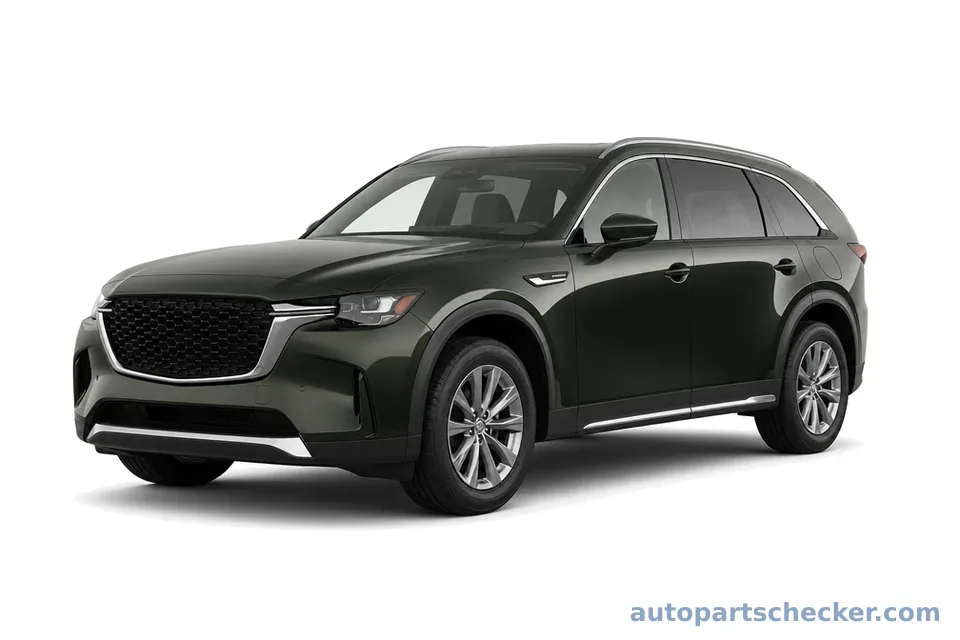
Service bulletin SSPD1d: Equipment adaptive/mobility, Hydraulic, Brakes
Issued Dec 2023. NHTSA ID 10248293
SSPD1 - 2024 CX-90 (All) - Side Radar Smart Brake Concern: On certain CX-90 vehicles, while driving near any objects with high reflection intensity (such as guardrail, oncoming vehicle etc.), the Front Cross Traffic Alert (FCTA) may often operate falsely, and in rare cases, the Smart Braking System (SBS) may unintendedly activate if certain conditions are met, causing an unexpected warning. The repair will be reprogramming side radar sensor software with the M-MDS, using MDARS. There are 8,041 vehicles in the campaign.
In plain English (our summary)
The front cross-traffic alert may activate falsely near highly reflective objects, such as guardrails or oncoming vehicles. In rare cases, the automatic braking system may activate unintentionally.
- What you may notice: You may receive an unexpected warning while driving near highly reflective objects.
- What is done about it: The repair is to reprogram the side radar sensor software.
Our plain-English summary of the official text above. The official text is the record.
Applies to
- Mazda CX-90: 2024
Source: manufacturer communications filed with NHTSA. Summaries as published by NHTSA. To see the full bulletin, ask a dealer or your mechanic for bulletin SSPD1d.
Updated: Recalls and bulletins updated daily. Complaints through October 29, 2026. Find your vehicle to request alerts